Maze Digital completely transformed our product experience. The new UX is not only visually polished but significantly improved our user engagement and conversions.
PS
Priya Sharma
Product Manager
Great design is not decoration. It is the difference between a product users abandon and one they recommend. We design mobile apps, web platforms, and SaaS dashboards that convert, retain, and delight. 50+ products designed. Figma-first. Developer-ready handoff.
Share your project details – scope, timeframes, or challenges. We respond within 4 business hours.
Trusted by Global Brands, Across Every Industry
UI/UX design is the practice of designing digital products, apps, websites, and software that are easy, intuitive, and enjoyable to use. UX (User Experience) design is the foundation: user research, persona development, user journey mapping, information architecture, and wireframing to ensure the product structure solves the right problems in the right order.
…
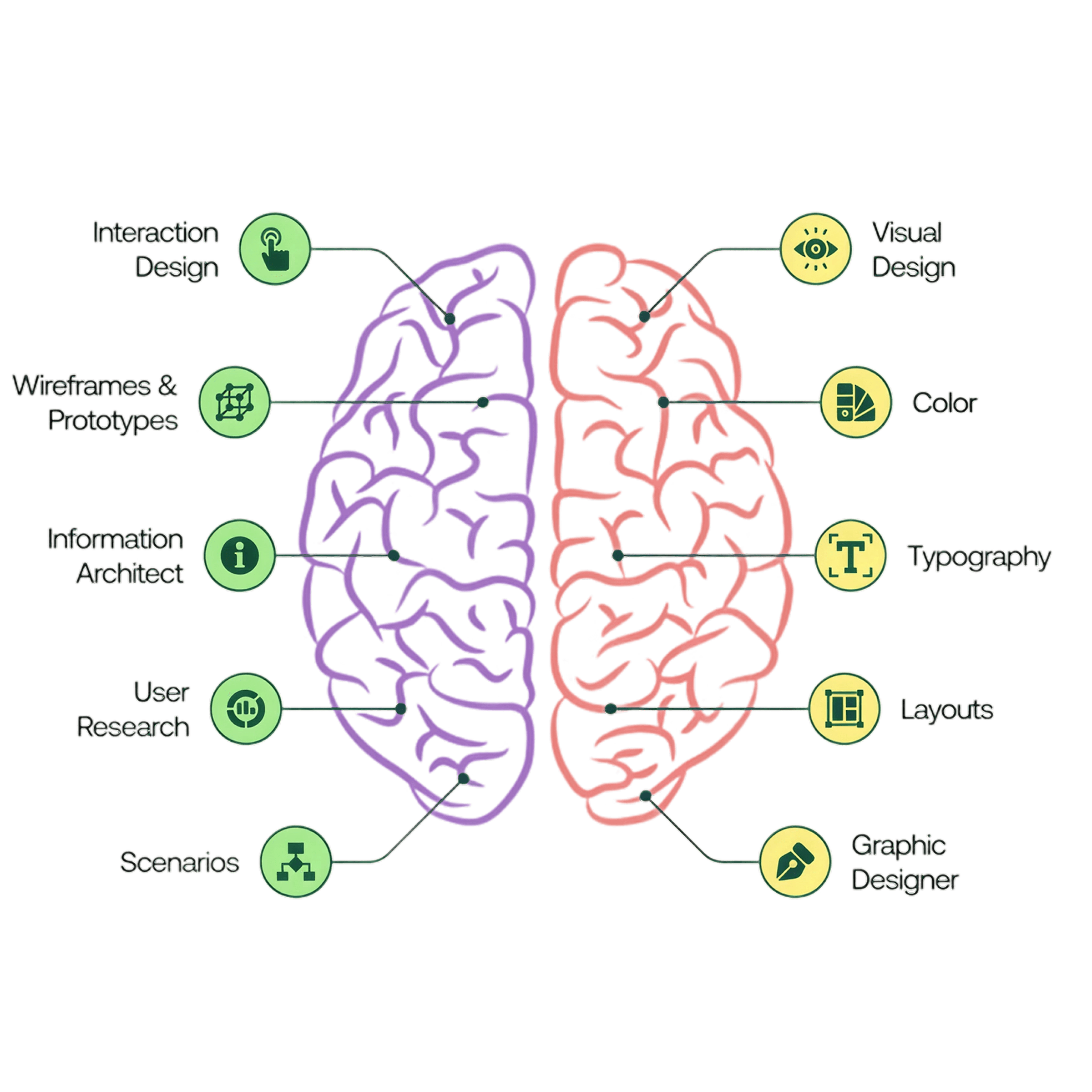
What We Design
From the first user flow sketch to a fully documented design system, we cover every stage of the design process for mobile apps, web platforms, and SaaS products.
We design iOS and Android app interfaces that feel completely native on each platform. iOS designs follow Apple’s Human Interface Guidelines using SF Symbols, Dynamic Type, and SwiftUI-friendly component structures. Android designs use Material Design 3 with dynamic color theming, adaptive layouts for phones, tablets, and foldables. Every design is delivered as an interactive Figma prototype ready for developer handoff.
View mobile work
We design complex web applications, SaaS dashboards, admin panels, and data-heavy interfaces where information hierarchy and cognitive load management matter as much as aesthetics. We handle responsive layouts across desktop, tablet, and mobile breakpoints with component-based design systems that scale as your product grows in features and users.
View web work
A design system is the single source of truth connecting design and development. We build scalable Figma design systems with a full component library, design tokens for colors, typography, spacing, and border radius, variant states for every interactive component, and auto-layout components that are pixel-perfect and easy for developers to implement consistently at speed.
Get a Quote
Design without research is guesswork. We conduct user interviews to understand real behavior and motivations, competitive analysis to identify market gaps and best practices, heuristic evaluation of existing products using Nielsen’s 10 usability heuristics, card sorting for information architecture, and moderated usability testing sessions with interactive Figma prototypes to validate design decisions before development.
Get a Quote
We redesign existing apps and websites that have usability problems, conversion issues, or outdated aesthetics. Starting with a UX audit using heuristic evaluation and analytics review to identify the highest-impact problems, we then design targeted improvements prioritized by user impact. We can redesign specific screens or flows, not just full product overhauls.
Get a Quote
We create low-fidelity wireframes for every screen and user flow, reviewed and approved by stakeholders before visual design investment begins. High-fidelity interactive Figma prototypes let you test the product experience before a line of code is written, catching structural problems when they are cheap to fix rather than after development has started.
Get a Quote
Our design toolchain is built around Figma as the primary workspace, with specialist tools for research, testing, and handoff at every stage of the design process.

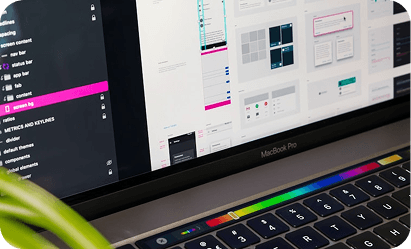
Our primary design tool for every UI/UX project. Figma enables collaborative design, real-time stakeholder review, interactive prototyping, design system management, and developer handoff via Dev Mode, all in one tool that your team can access from any browser without installing software.

We use FigJam for collaborative UX workshops, user journey mapping, affinity diagrams, card sorting sessions, information architecture planning, and design critique boards that bring clients and stakeholders into the design thinking process from day one.

For quantitative usability testing, we use Maze to run unmoderated tests on Figma prototypes at scale, measuring task success rates, misclick rates, and time-on-task. For qualitative insights, we run moderated sessions via UserTesting or video calls with screenshare and think-aloud protocol.

For redesigns of existing products, we use Hotjar heatmaps and session recordings to understand exactly where users are clicking, scrolling, and dropping off on the current design before proposing improvements, so redesign decisions are based on real user behavior data, not assumptions.
DELIVERABLES
Concrete deliverables for every engagement. Nothing vague, nothing missing. Here is exactly what you receive from us at the end of a design project.
A fully organized, professionally structured Figma file with every screen, every state, and proper naming conventions that make developer handoff clean and fast.
A reusable Figma component library covering every UI element in the product, with variants for all interactive states and sizes, the single source of truth for your design.
Color, typography, spacing, and border radius tokens defined as Figma variables that map directly to CSS custom properties or React Native Style Sheet values in code.
A fully clickable Figma prototype connecting every screen with real navigation flows, transitions, and micro-interactions, for user testing, stakeholder review, and developer reference.
All icons, illustrations, images, and graphic assets are exported in the correct formats and resolutions for iOS, Android, and web, ready to drop into the development project.
A written design spec document covering key design decisions, interaction patterns, animation specifications, edge cases, and anything that cannot be captured in Figma alone, so nothing is lost in the handoff to developers.
These are not posters on a wall. They are the specific design standards we hold every screen, every component, and every interaction to before it leaves our hands.
Every screen has one primary purpose. We eliminate every element, piece of copy, and visual that does not serve that purpose. Clarity is not minimal; it is intentional. A simple onboarding screen can be clear. A dense dashboard can be clear. A simple onboarding screen can be confusing. We measure clarity by task completion time, not visual simplicity.
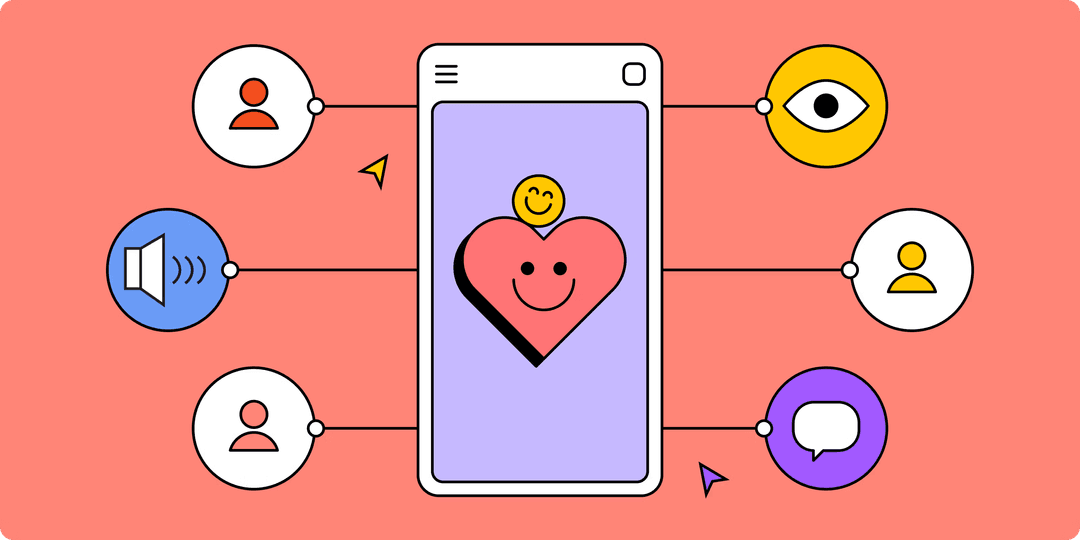
We design to WCAG 2.1 AA contrast standards, ensure all interactive targets are at least 44×44 points, support Dynamic Type on iOS and scalable text on Android, and design with VoiceOver and TalkBack screen reader behavior in mind from the first wireframe, not as an afterthought during QA.
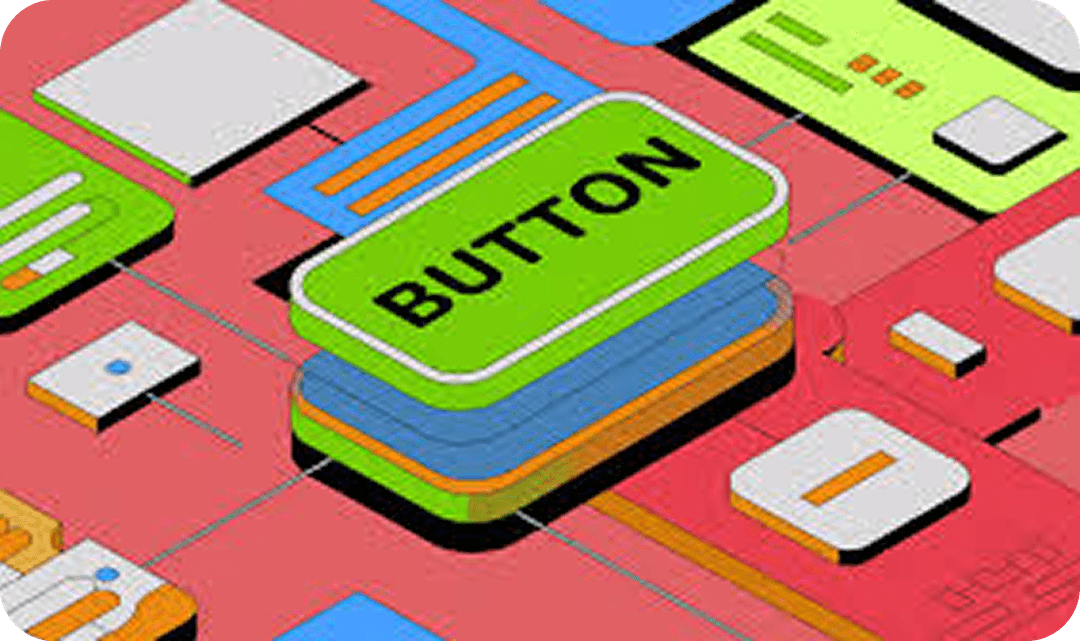
We design every UI as a system of components, not as individual screens. Each button, input field, card, and navigation pattern is designed once, documented fully, and applied consistently across every screen. This makes design faster, development consistent, and future feature additions predictable and low-effort.
Beautiful design that does not convert is a failed design. We apply CRO principles to every screen: progressive disclosure for complex flows, visual hierarchy that guides users to primary actions, trust signals placed at decision points, and friction reduction on every form, checkout, and sign-up flow in the product.
We design with implementation cost in mind. Every animation is specified with performance constraints. Every graphic asset is optimized for the platforms it will run on. We avoid design patterns that look good in Figma but cause frame drops or layout shifts in code, because a design that ships slowly is still bad UX.
Design decisions at Maze Digital are backed by evidence: user interview findings, usability test results, analytics data from existing products, or established UX patterns validated by research. When we recommend a design choice, we can explain the user behavior evidence behind it, not just that it looks nice.
Design Stack
From Figma to usability testing platforms, here is every tool in our design workflow and how we use it.


Our design process
A structured, human-centered design process that starts with user understanding and ends with developer-ready Figma files, every time.
User interviews, competitive analysis, analytics review, and heuristic evaluation of existing products. We define user personas, pain points, and design goals before any sketching begins.
We translate research findings into clear project goals, user personas, and experience maps. This step sets the foundation, aligning design solutions with your brand vision and user expectations.
Low-fidelity wireframes for every screen and state. Structure, layout, and content priority are defined without visual distraction. Reviewed and approved before Figma UI work starts.
Pixel-perfect Figma designs for every screen, every state, Dark Mode, responsive breakpoints, micro-animations, and a fully built component library with design tokens.
Clickable Figma prototype for user testing sessions and stakeholder review. We iterate based on test findings before finalizing designs for developer handoff.
Organized Figma files with named layers, design tokens, asset exports, Figma Dev Mode annotations, and a handoff guide. We support developers throughout implementation.
Design is not a service bolt-on at Maze Digital. It is the foundation of every product we ship. Here is what that means in practice.
50+
Products Designed from Scratch
100%
Figma, No Other UI Tool
4.9
Average Design Satisfaction Rating
<2.5s
Projects Where Design Was Not Done in Figma
50+
Products Designed from Scratch
100%
Figma, No Other UI Tool
4.9
Average Design Satisfaction Rating
<2.5s
Projects Where Design Was Not Done in Figma
Our designers know how iOS SwiftUI and Android Jetpack Compose render components, how CSS layout works, and what makes a React component reusable. This means every design decision is implementable as designed, not approximated by developers who have to fill in the gaps.
We have seen the inside of hundreds of design files from other agencies. Most are unusable in development — no auto-layout, inconsistent spacing, unorganized layers, and missing states. Our Figma files are organized the way developers expect them, with every component, token, and annotation needed to implement accurately.
We never open Figma before we understand your users. Wireframes are reviewed and approved before any visual design investment. This means the foundation is right before the visual polish, so expensive redesigns caused by structural UX problems discovered during development simply do not happen.
Every screen has a job to do. We design onboarding flows that maximize activation, paywalls that convert, dashboards that surface the most important metric first, and forms that minimize drop-off. Beautiful aesthetics and conversion performance are not in conflict; we achieve both simultaneously.
When Maze Digital handles both design and development, the handoff is seamless. Our designers and engineers work in the same Figma files, use the same design token naming conventions, and have direct Slack conversations, eliminating the communication failures that cause shipping delays in agencies that separate design and dev teams.
Every Figma file, design token JSON export, asset folder, and prototype link belongs to you. We transfer Figma file ownership to your team’s workspace at project completion. Your design system is an asset you own and can continue building on with any designer you work with in the future.
Our Work
Real projects. Real results. Here are some of the web platforms we have built for clients across industries.
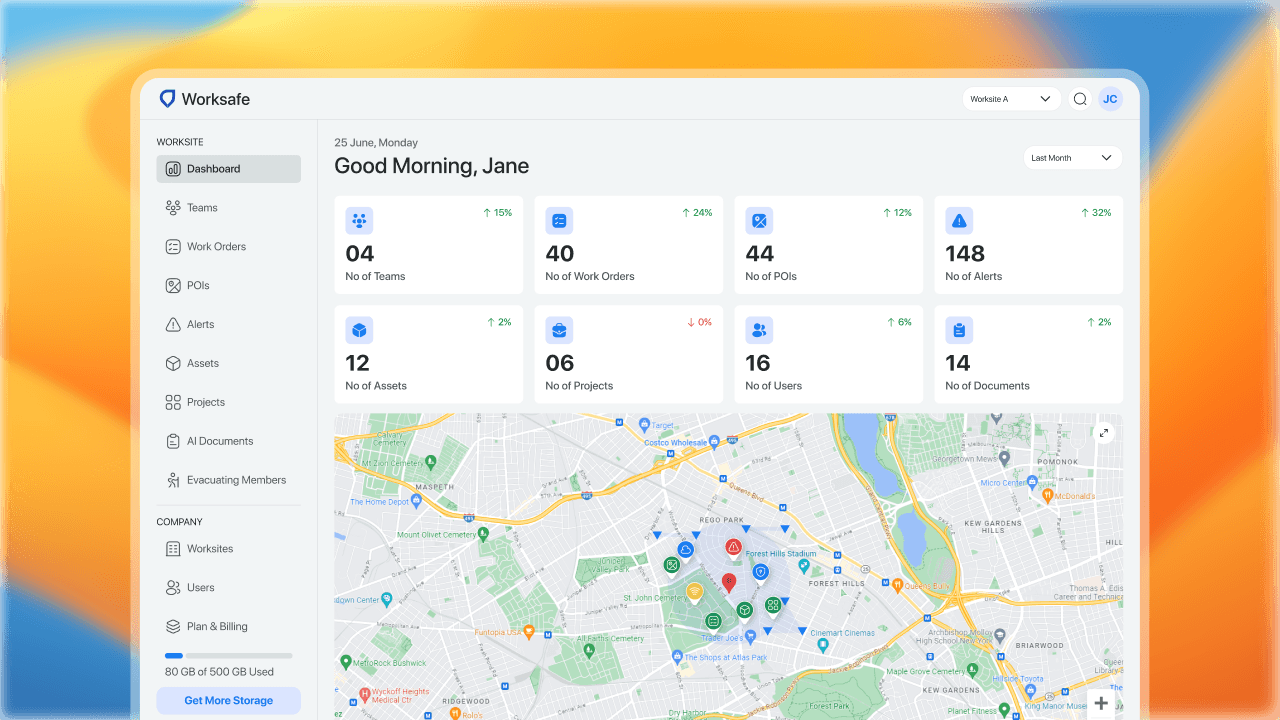
Construction • GIS Web App
WorkSafe Mapping is the essential tool for comprehensive hazard management and asset tracking in industrial power generation, petroleum terminals & refining, construction, manufacturing, and facility environments.
Increase in Efficiency
User Adoption Rate
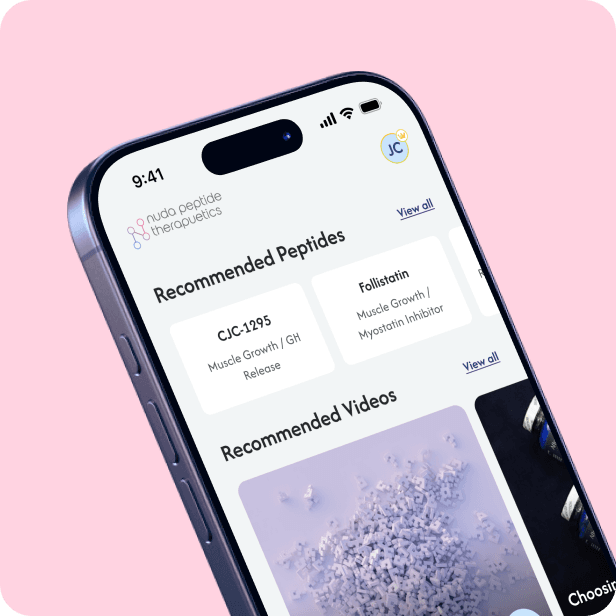
Wellness App
An AI-powered wellness app for personalized peptide tracking, learning, and optimization.
Increase in Online Orders
Page Load Speed
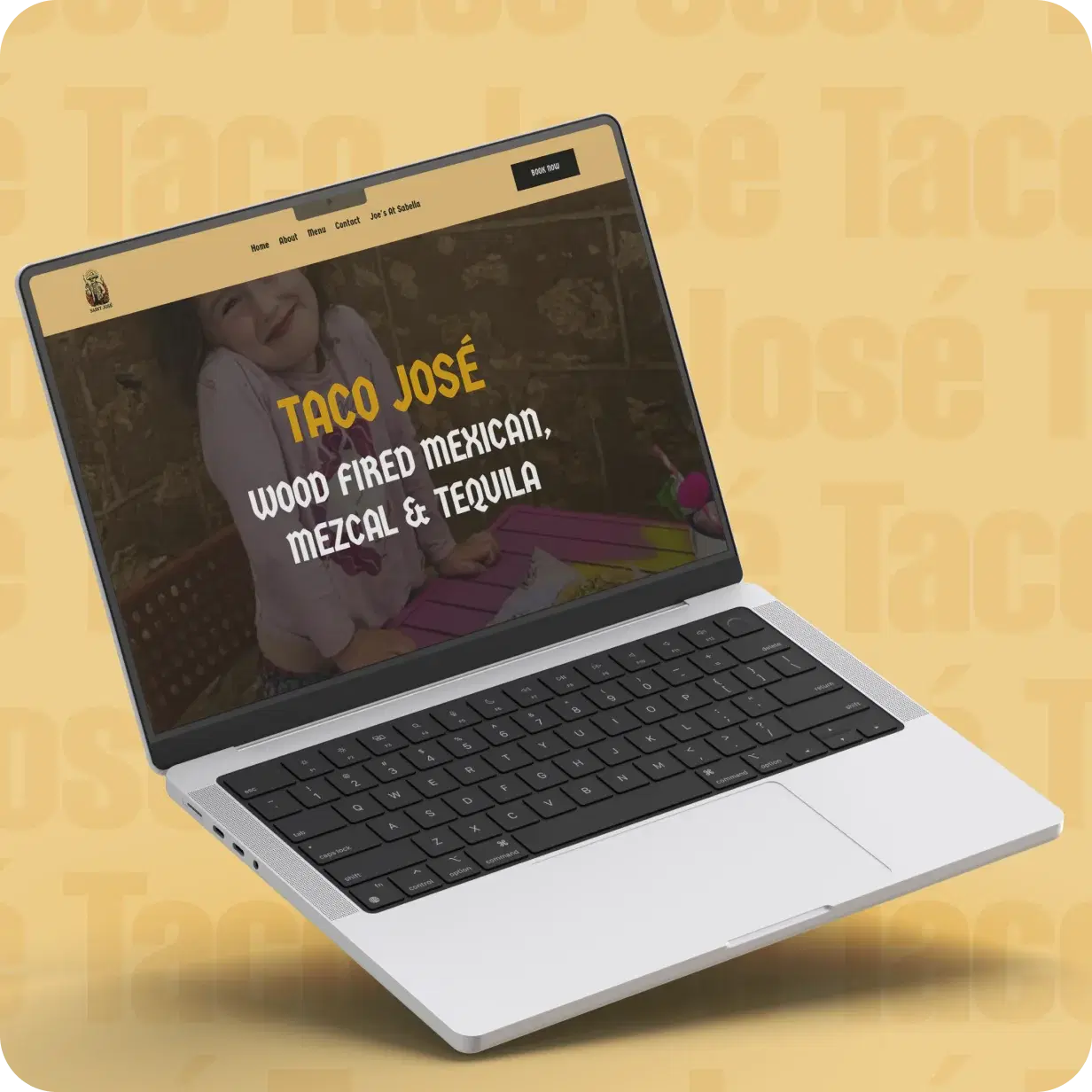
Ecommerce Restaurant Web
A brand-forward restaurant website with online ordering, table reservation system, menu management CMS, and events booking designed to maximize in-person and online conversions for a premium dining brand.
Increase in Online Orders
Page Load Speed
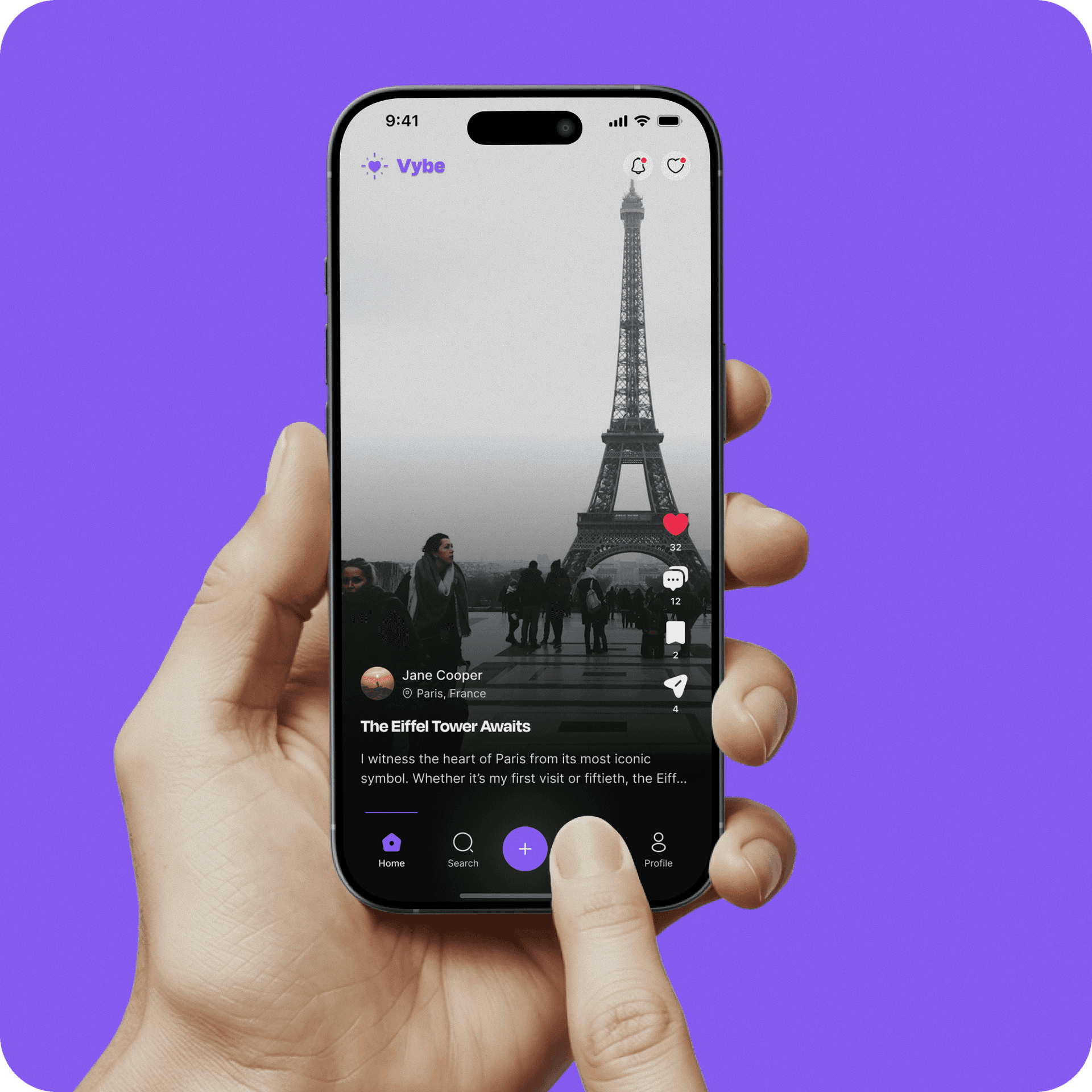
Social • Community Platform
A modern social media app designed to bring real-time connection, creativity, and community into a single platform.
User Engagement
User Retention
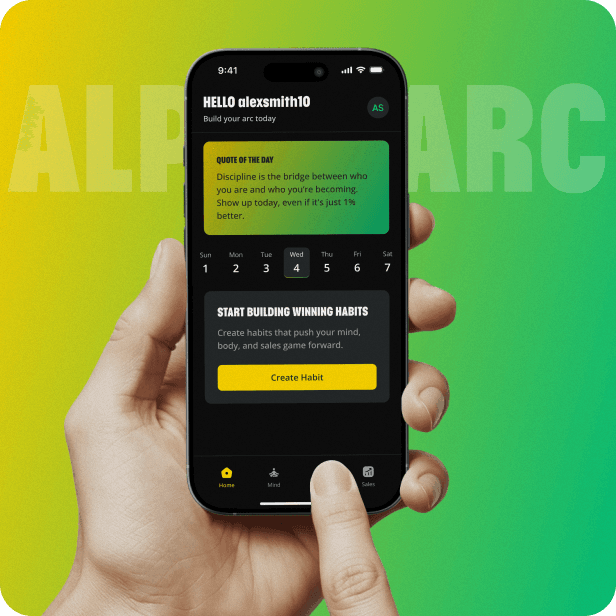
Fitness • Mobile App
Alpha Arc is a productivity and wellness app for sales reps, combining habit tracking, meditation, sales tracking, and event management in one platform.
Increase in Online Orders
Page Load Speed
Real Feedback from real clients - not fictional placeholders . We take pride in every project we deliver.
Maze Digital completely transformed our product experience. The new UX is not only visually polished but significantly improved our user engagement and conversions.
Priya Sharma
Product Manager
Working with Maze Digital felt like having a strategic partner, not just a design team. They understood our business goals and translated them into a seamless user journey.
Jason
Marketing Manager
The level of detail in their UI/UX work is exceptional. From research to final design, everything was structured, thoughtful, and user-focused.
Omer
Founder & CEO
We collaborate with diverse industries to design intuitive digital products that boost growth, improve user experiences, and deliver measurable impact.
We share our thoughts on design and development
Every question founders ask before starting a design project with Maze Digital, answered directly.