


iPhone and iPad
Universal apps with adaptive SwiftUI layouts, split-view navigation, Stage Manager support, and Apple Pencil integration across every iOS device from iPhone SE to iPad Pro 13-inch.
SwiftUI + UIKit

From your first iPhone MVP to a full enterprise platform across iPhone, iPad, and Apple Watch. 50 apps shipped. HIPAA compliant. 100% IP ownership. TestFlight builds every 2 weeks, no exceptions.
Share your project details – scope, timeframes, or challenges. We respond within 4 business hours.
Trusted by Global Brands, Across Every Industry
iOS app development is the process of creating mobile software for Apple’s iPhone, iPad, Apple Watch, and Apple TV. iOS runs on over 1.2 billion active Apple devices globally, with the United States consistently showing iPhone market share above 55 percent. iOS apps are built in Swift, Apple’s modern type-safe language, and use SwiftUI for declarative UI design. The distribution platform is the Apple App Store, which hosts over 1.8 million apps reviewed against Apple’s strict Human Interface Guidelines (HIG). Native iOS apps can access powerful hardware and platform features unavailable to web or cross-platform apps, including Face ID biometrics, HealthKit health data, ARKit augmented reality, Core ML on-device machine learning, Apple Pay payments, WidgetKit home screen widgets, and Live Activities on the Dynamic Island.
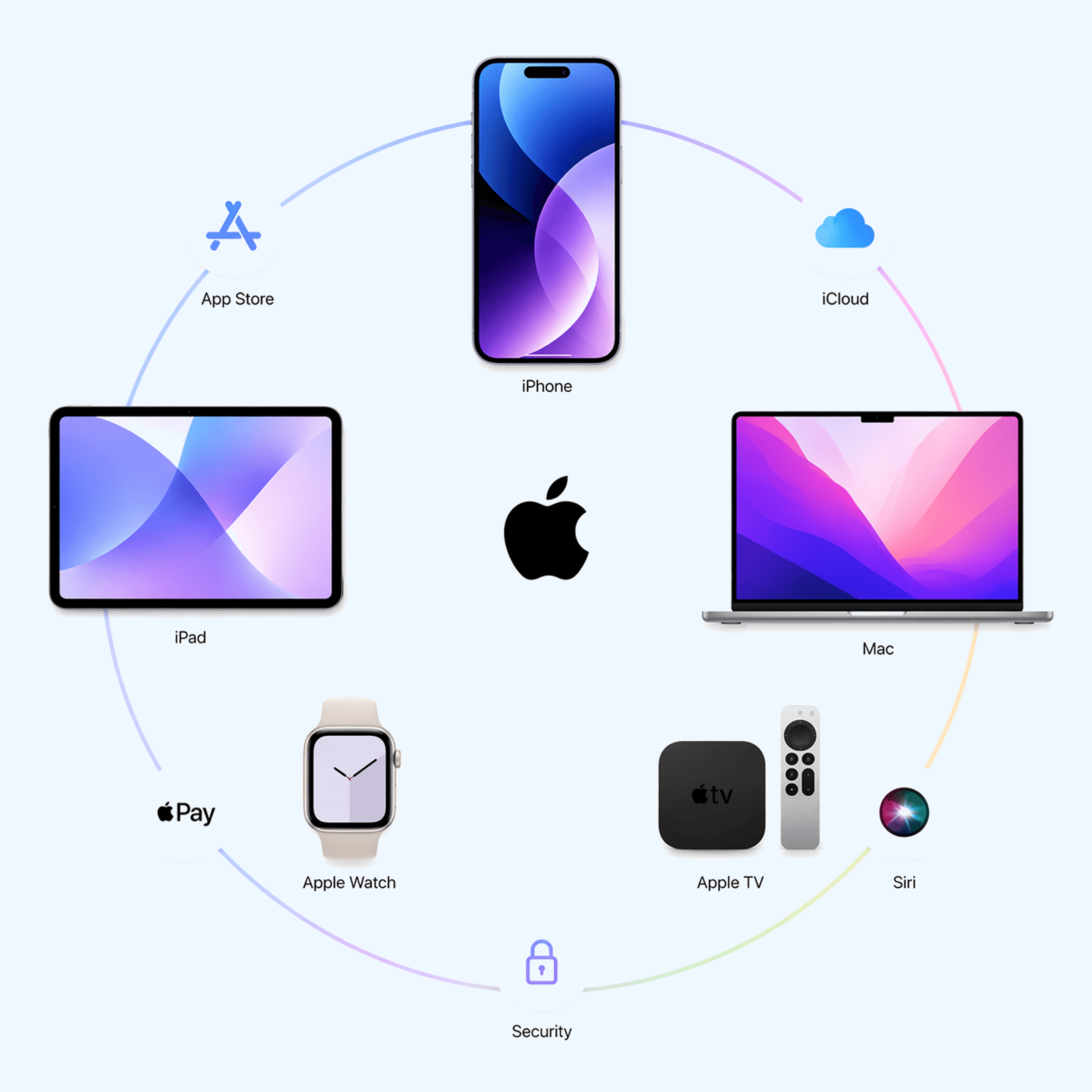
At Maze Digital, our iOS development service is end-to-end: product strategy, UX wireframes following Apple HIG, Figma UI design with SF Symbols and Dark Mode, Swift and SwiftUI engineering in Agile sprints, QA on real iPhones and iPads, and full App Store submission with ASO optimization.
Our iOS Services
We cover the complete iOS development spectrum. One team handles strategy, design, engineering, and launch.
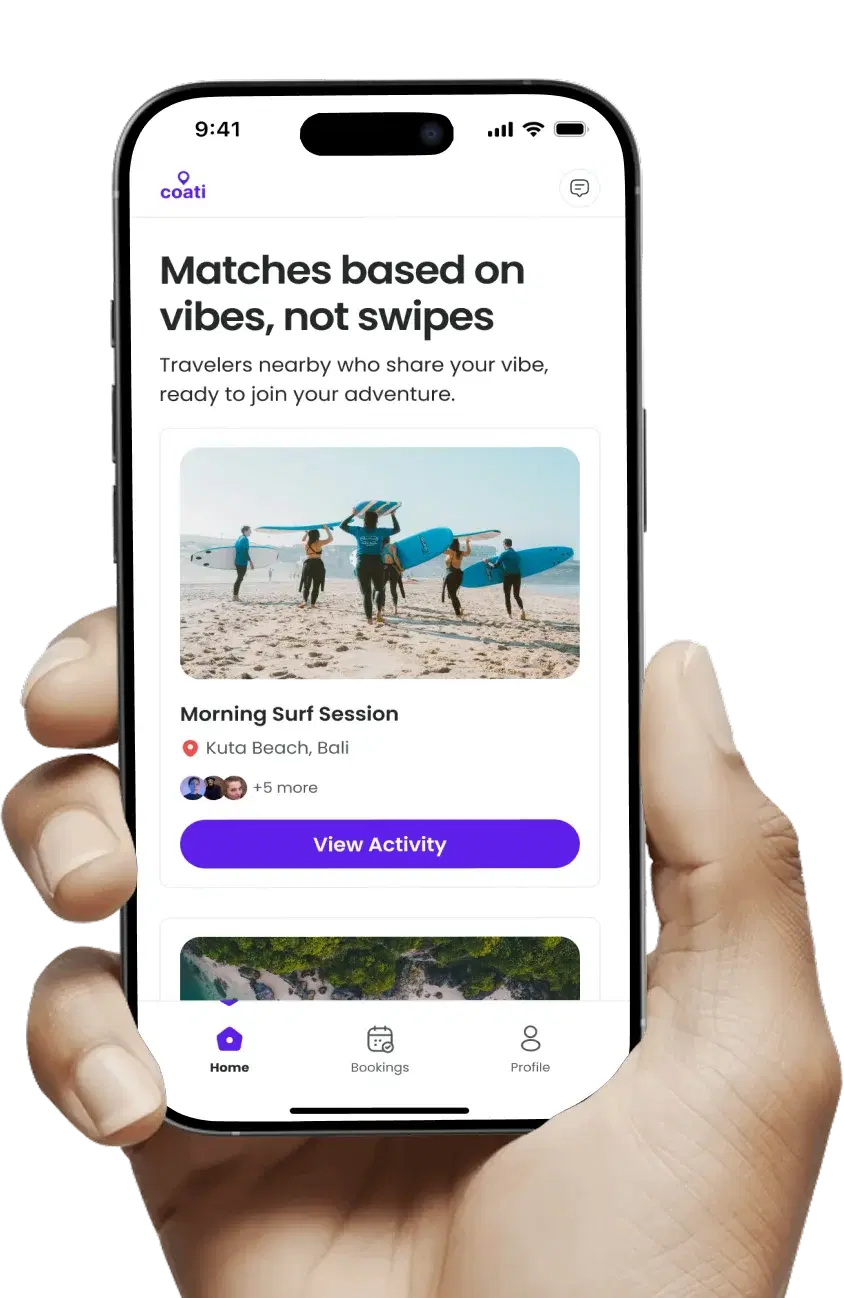
We build high-performance native iPhone apps using Swift and SwiftUI. Every app follows Apple's Human Interface Guidelines precisely, uses the latest iOS APIs, and delivers the fluid, premium experience that iPhone users expect. We ship clean, well-documented Swift code that any iOS developer can read, maintain, and build on for years.
Learn more
We build universal iOS apps that scale beautifully from iPhone SE to iPad Pro 13-inch. Using SwiftUI's adaptive layouts, split-view containers, sidebar navigation, and Apple Pencil support, your app becomes a genuinely powerful productivity tool on iPad without feeling like a stretched phone app.
Learn more
We extend iOS apps to Apple Watch with WatchKit and SwiftUI for watchOS. Complications, health metric tracking, workout sessions, and quick-glance notifications designed for the wrist.
Learn more
Secure field service tools, mobile CRMs, inspection apps, and B2B platforms. MDM compatible, SSO integration, enterprise-grade security built from the first sprint.
Learn more
HIPAA-compliant iPhone apps for clinics, hospitals, and health startups. AES-256 encryption, Face ID, HealthKit, and BAA included.
Learn more
Your iOS app deserves to look and perform like it was built this year. We migrate legacy iOS apps from Objective-C to Swift, UIKit to SwiftUI, and outdated UI patterns to modern equivalents for iOS. We fix App Store Review rejections, improve performance using Instruments, and add new Apple platform features without breaking existing functionality.
Learn more
Years Building for iOS
Apps in App Store
Critical Rejections
Clutch Rating
Years Building for iOS
Apps in App Store
Critical Rejections
Clutch Rating
The Apple platform extends far beyond iPhone. We build apps that feel native on every Apple device your users own.
Universal apps with adaptive SwiftUI layouts, split-view navigation, Stage Manager support, and Apple Pencil integration across every iOS device from iPhone SE to iPad Pro 13-inch.
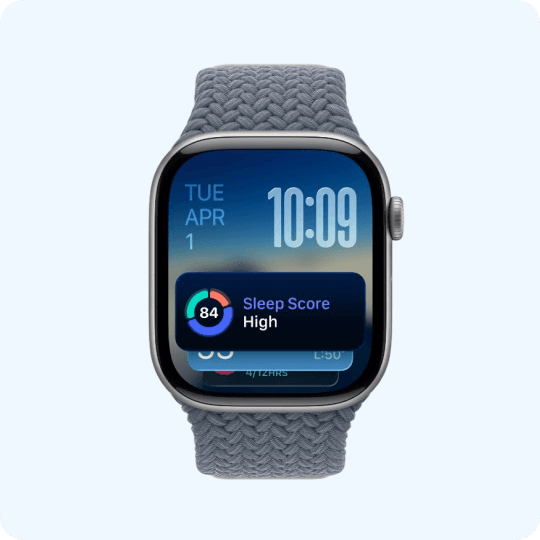
watchOS apps with custom complications, health and fitness tracking using HealthKit, workout sessions, workout rings, and quick one-tap interactions designed specifically for wrist-native usage.
Bring your iPhone app to macOS with Mac Catalyst. Proper keyboard and trackpad support, menu bar integration, toolbar actions, and a desktop-class experience without rebuilding from scratch.

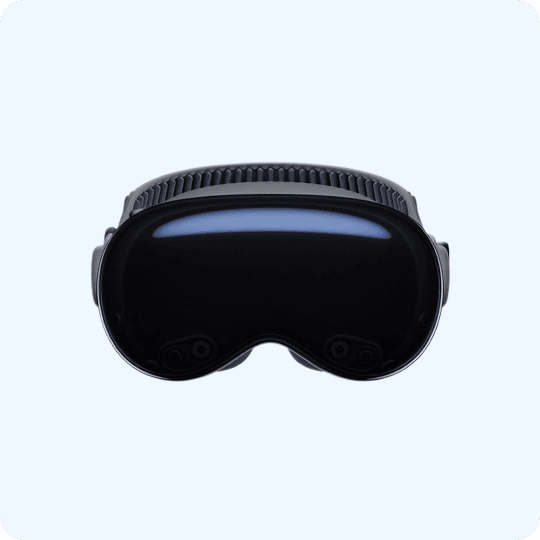
Spatial computing experiences for Apple Vision Pro built with SwiftUI and RealityKit. Immersive environments, eye and hand input, spatial audio, and 3D object placement for the next Apple frontier.
A structured 6-step process with full transparency at every stage. You always know what is being built, what is next, and when you will see it on your iPhone.
2-3 Days
We open every engagement with a structured discovery sprint. We define your target iPhone users, the minimum iOS version to support, which device classes to cover (iPhone only, iPad universal, Apple Watch), the core feature set, and the right backend architecture. The output is a full Product Requirements Document with a clear tech stack recommendation including Swift version, Jetpack equivalents, architecture pattern (MVVM or TCA), API contract design, and a timeline with milestones. Both teams are fully aligned before a single wireframe is drawn.
3 to 5 Days
Our UX team maps every user journey and produces low-fidelity wireframes following Apple's Human Interface Guidelines. We design for iOS-specific patterns: tab bar navigation, navigation stacks, sheets and modals, gesture navigation for iOS 16 and later, pull-to-refresh, swipe actions, and contextual menus. We wireframe for iPhone and iPad from the start rather than retrofitting adaptive layouts afterward. Every wireframe screen is reviewed and signed off by you before visual design begins.
7 to 14 Days
We design your complete iOS app UI in Figma. Every screen, every state (empty, loading, error, success, and partial data), every transition, and every platform-specific detail. We use SF Symbols for all iconography, Dynamic Type across all text sizes from Extra Small to Accessibility Extra Extra Extra Large, semantic system colors so Dark Mode works automatically, and the iOS 8-point spatial grid for precise spacing. We build an interactive Figma prototype with real iOS transitions for your approval before Swift development begins.
4 to 16 Weeks
Engineers build your iOS app in 2-week Agile sprints. The stack is Swift with SwiftUI, MVVM architecture with Combine for reactive state, URLSession and Codable for networking, SwiftData or Core Data for local persistence, Keychain for secure credential storage, and the specific Apple frameworks your features require. After every sprint, a new TestFlight build is deployed to your iPhone. You test real functionality on your actual device, report feedback, and we adjust the next sprint backlog based on what you find. No surprises at launch because you have been testing the app for weeks already.
5 to 7 Days
We test on real Apple hardware across the current device lineup: iPhone SE 3rd gen, iPhone 15 standard, iPhone 15 Pro, iPhone 15 Pro Max, iPad Air, and iPad Pro. We cover iOS 16, 17, and 18. We run unit tests with XCTest, UI automation with XCUITest, memory leak detection with Instruments, and performance profiling. We verify Dynamic Type at all accessibility sizes, VoiceOver screen reader compatibility, Dark Mode rendering, and every App Store Review Guideline checklist item before submission. We also test App Tracking Transparency flows, App Privacy nutrition labels accuracy, and data safety section declarations.
2 to 3 Days, Then Ongoing
We handle the complete App Store submission. App signing with a distribution certificate, optimized App Store Connect listing with keyword research for ASO, screenshots and App Preview videos for all required device sizes, App Privacy labels, Data Safety disclosure, Content Rating questionnaire, and an initial phased release starting at 10 percent of users to catch any issues before full rollout. Firebase Crashlytics is live before launch day. We review the first 48 hours of crash reports personally. Every project includes a 30-day post-launch warranty covering critical bug fixes at no additional charge.
Technologies
Every tool in our iOS stack is chosen deliberately. Here is exactly what we use at each layer and the reasoning behind each choice.
We build both native and cross-platform apps. Here is an unbiased breakdown so you can choose what is right for your product.
Not sure which is right? Book a free consultation and we will give you an honest recommendation with no preference for any framework.
Platform Integrations
Native iOS apps can do things no cross-platform app can match. These Apple framework integrations give your product a genuine competitive advantage over apps built with React Native or Flutter.
LocalAuthentication Framework
Biometric authentication using Apple’s LocalAuthentication framework. The fastest, most trusted sign-in experience on any mobile platform. Face ID adds both convenience and security that users trust instantly. Essential for banking, healthcare, and any app handling sensitive data.
PassKit Framework
Native Apple Pay integration for frictionless in-app purchases and subscriptions. No card numbers, no passwords, just a Face ID or Touch ID confirmation. Apple Pay checkout consistently outperforms traditional payment forms by 20 to 30 percent conversion increase.
Health Framework
Read and write health and fitness data with user permission: steps, heart rate, sleep, workouts, body measurements. Build HIPAA-aligned apps that integrate with Apple Health and receive live data from Apple Watch sensors for real-time health monitoring.
Augmented Reality
Augmented reality using ARKit on iPhone. Room scanning, LiDAR-powered depth mapping on iPhone Pro models, face tracking, object detection, and placing 3D objects in the real world. The most capable mobile AR platform available on any device today.
On-Device Machine Learning
On-device machine learning using Apple’s Neural Engine. Image classification, natural language processing, sound classification, pose estimation, and custom ML models that run on the iPhone without sending data to a server. Privacy-preserving and offline-capable.
Home Screen and Lock Screen
Home screen and Lock Screen widgets using WidgetKit, plus Dynamic Island and Lock Screen Live Activities for real-time information glanceable without opening the app. A massive engagement driver for sports, delivery, finance, and fitness apps.
We have shipped over 50 iOS apps to the App Store. Here is what separates our work from the agencies that will give you a cheaper quote.
50+
iOS Apps in the App Store
100+
Swift on Every New Project
494.9
Average App Store Rating
98%
Client Retention Rate
50+
iOS Apps in the App Store
100+
Swift on Every New Project
494.9
Average App Store Rating
98%
Client Retention Rate
We write 100 percent Swift on every new iOS project. No Objective-C, no RxSwift legacy patterns, no workarounds. Clean MVVM architecture, async/await concurrency, and Combine reactive bindings that your next iOS developer will be able to read and extend without a rewrite in 2 years.
We design iOS apps that feel like they were made by Apple’s own design team. SF Symbols, Dynamic Type at all sizes, proper Dark Mode support using semantic colors, haptic feedback at the right moments, and spring animations that match the iOS physics engine exactly. Not a web app in a shell.
After every 2-week sprint, a new TestFlight build lands on your actual iPhone for testing. You tap through real features, spot real bugs, and give feedback on real UX. You will never experience the gap between what was approved in Figma and what shipped on launch day, because you have been testing real builds throughout.
We have submitted over 50 apps to Apple App Store Review with zero critical rejections. We know App Review Guidelines in depth: data collection privacy disclosures, in-app purchase rules, minimum functionality requirements, content policies, and the nuanced edge cases that cause most developers to receive rejection notices.
We treat security as a first-class engineering requirement, not an afterthought. AES-256 encryption for all data at rest, TLS with certificate pinning for all network calls, Face ID and Touch ID via LocalAuthentication, Keychain for all credentials, audit logging, and Business Associate Agreements for every healthcare client.
Everything transfers on final payment. Swift source code, Xcode project files, Figma assets, signing certificates, App Store Connect credentials, and a clean GitHub repository with proper commit history. You get a documented handover package so any iOS developer can immediately pick up where we left off.
Maze Digital is your Dedicated Design and Frontend Engineering partner for Complex Software.
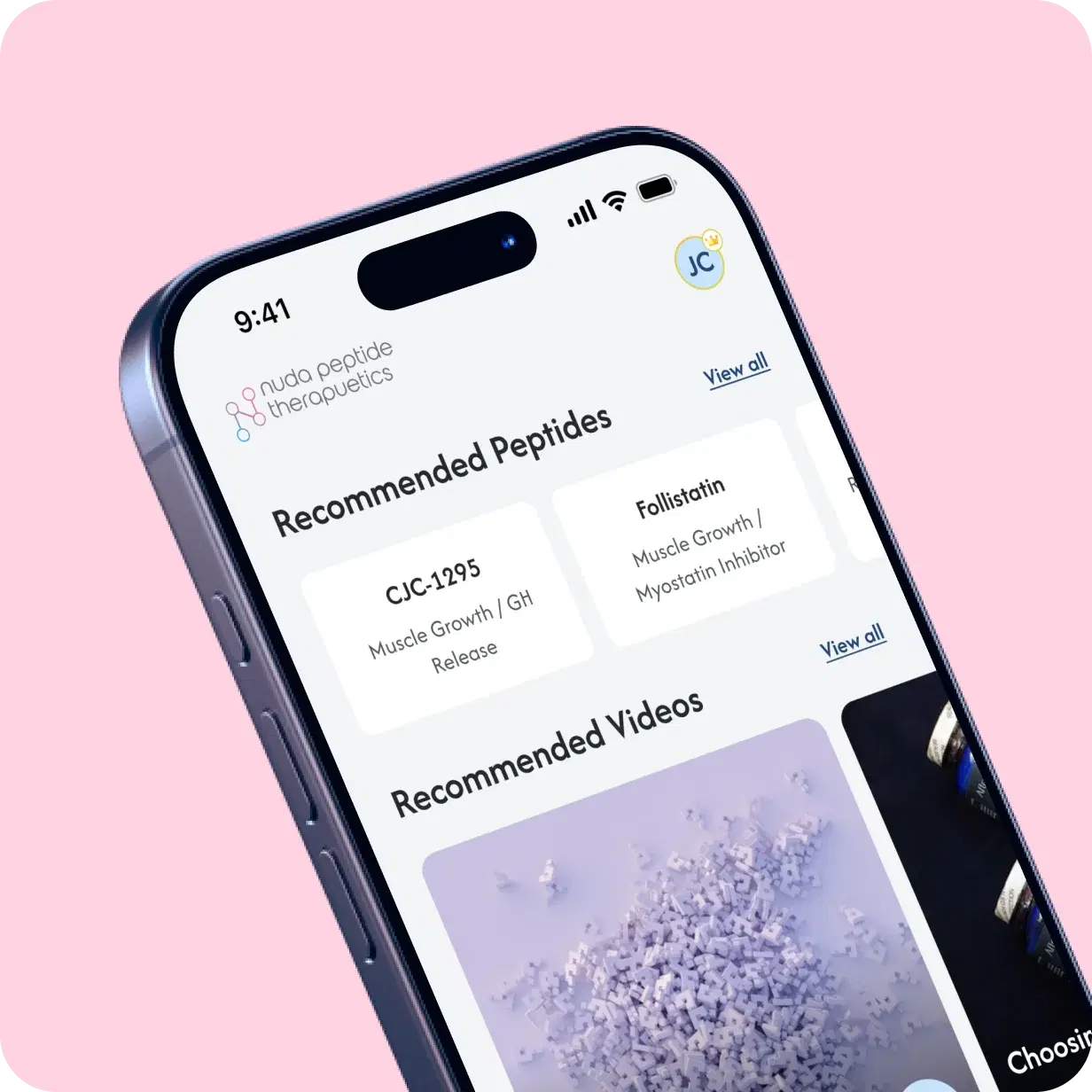
Construction • GIS Web App
A full-scale hazard management and asset tracking web platform for industrial power generation, petroleum, and construction environments. Real-time GIS mapping, work order management, and multi-site dashboards.
Faster Incident Reporting
User Adoption Rate
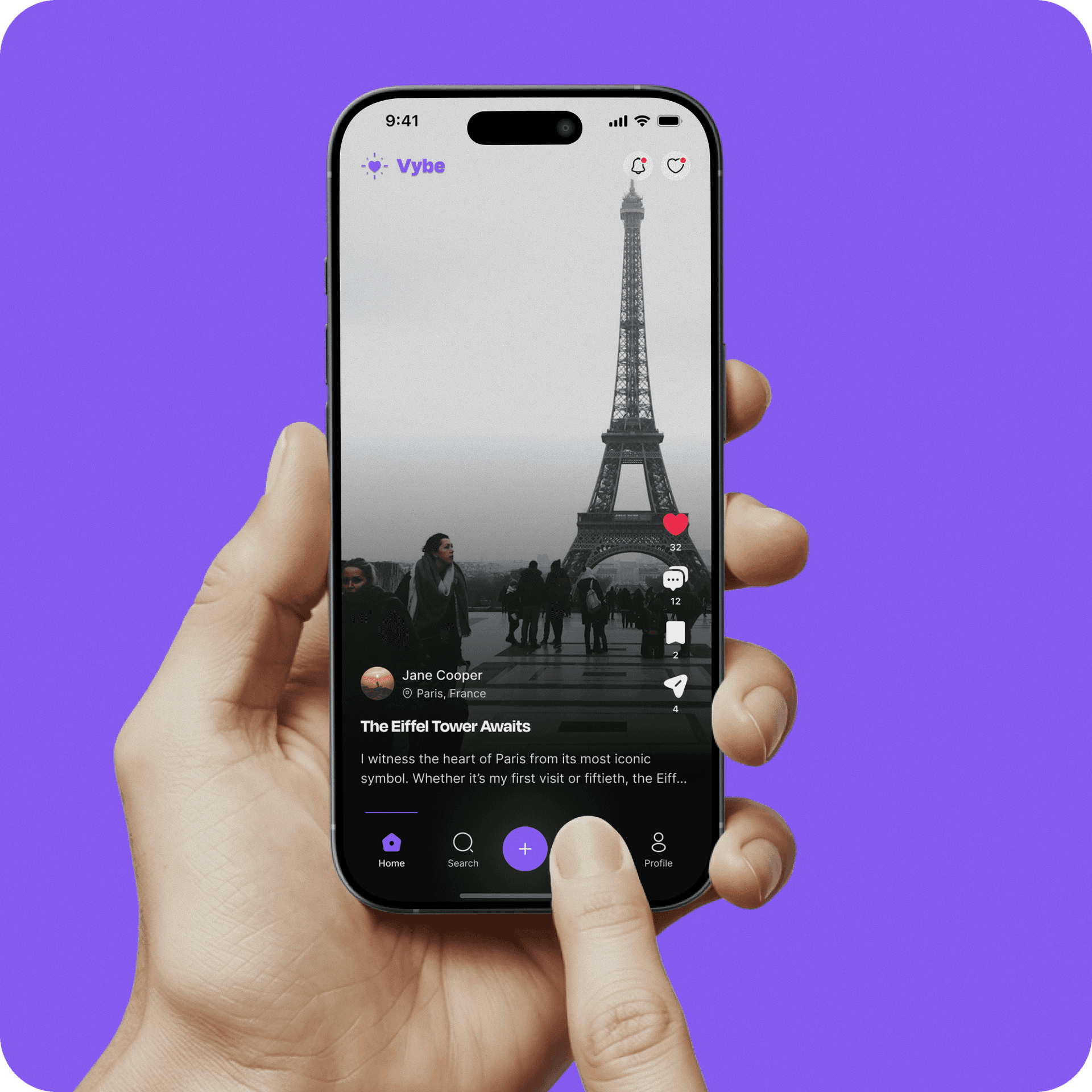
Social • Community Platform
A modern social media app designed to bring real-time connection, creativity, and community into a single platformA brand-forward restaurant website with online ordering, table reservation system, menu management CMS, and events booking designed to maximize in-person and online conversions for a premium dining brand.
User Engagement
User Retention
Verified reviews from founders and CTOs who shipped iPhone apps with our team.

Maze Digital completely transformed our product experience. The new UX is not only visually polished but significantly improved our user engagement and conversions.
Priya Sharma
Product Manager
Working with Maze Digital felt like having a strategic partner, not just a design team. They understood our business goals and translated them into a seamless user journey.
Jason
Marketing Manager
The level of detail in their UI/UX work is exceptional. From research to final design, everything was structured, thoughtful, and user-focused.
Omer
Founder & CEO
We share our thoughts on design and development

Every question founders ask before starting an iOS project. Answered directly and completely.